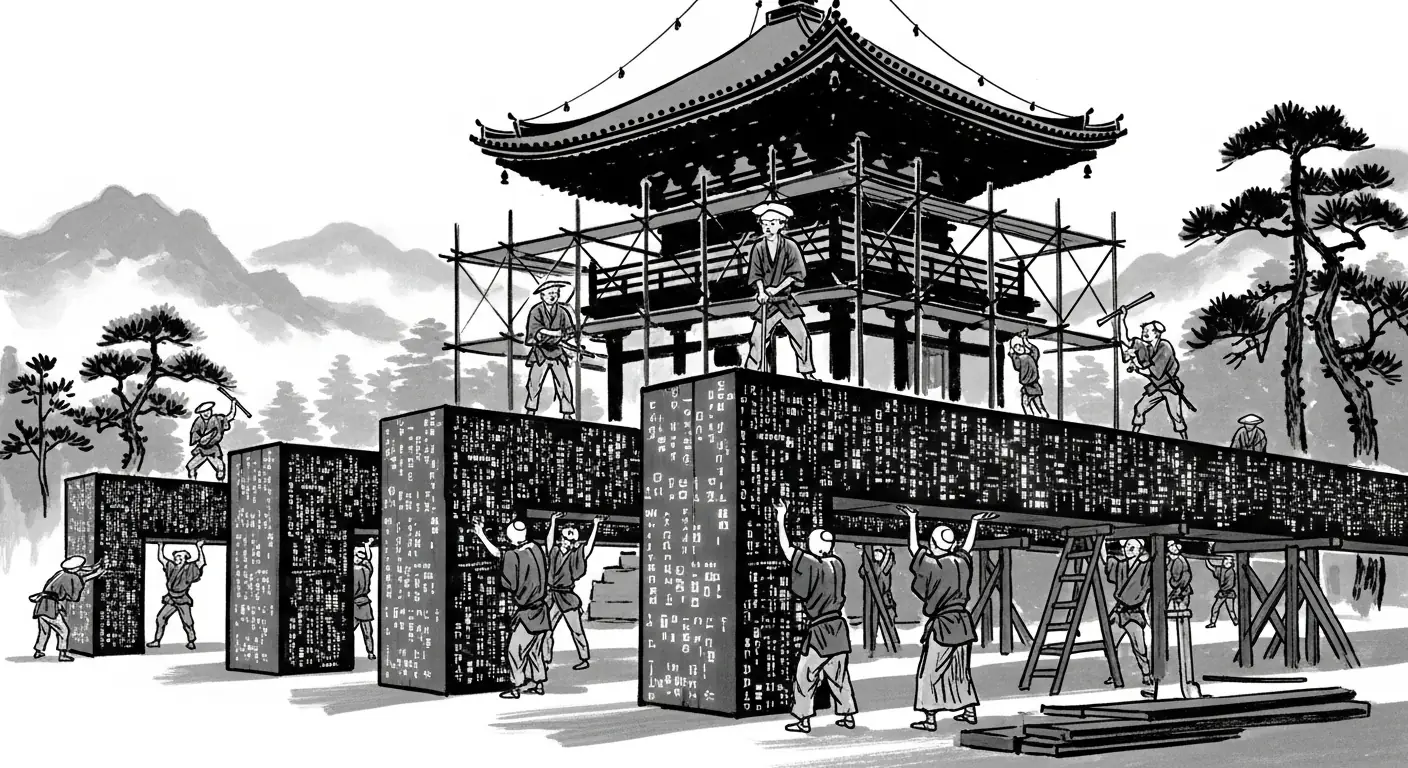








Managed website hosting: one site per container

Managed website hosting, in the way we practice it, means your site runs in its own container, the pages are custom-coded for that one business, and visitors reach them through Cloudflare. There is no plugin marketplace packed into the public site. Set beside a shared plugin stack, that arrangement is fewer doors and a smaller footprint. What that changes is the time you spend on upkeep, the meaning of a backup, and how long a browser waits before a customer can read the page.
What one container is holding
A container is the package for one site. It holds that site's code and the small set of programs the code needs in order to answer a visit. Another customer's website is not packed into the same package. One site per container means the public site is its own package, served through Cloudflare, rather than a theme plus a shelf of plugins collected because the last project used them.
The pages are custom-coded and static-first. The HTML is written out as files before anyone visits, so a visit does not ask a content system to build the page from a database and a row of add-ons. There is no plugin marketplace on the public site. The claim for that setup is narrow on purpose. It is fewer doors and a smaller footprint. It is not a promise that a site on the internet can never have a bad day.
WordPress is capable open source, built to fit everyone, from a solo shop to a large organization. A plugin can add a catalog, a booking flow, a membership tool, or a workflow the owner wants to change by hand. That flexibility is real, and so is the weight. Every plugin is more software in the same application, with its own updates. The shared plugin weight is why we move some sites off WordPress and keep others on it. We still build WordPress when the business needs that flexibility, and we would rather say so before a plan is chosen. The plain side-by-side is on our Forged and WordPress comparison. From our studio in Charlotte, the choice is about the work the site has to do.
Where plugin upkeep comes from
A plugin is code written by someone else, running inside your site. That is the useful part of the model, and it is a standing chore. WordPress.org tells owners to keep plugins up to date, because developers ship new versions to add features, improve the code, and deal with problems, and those changes do nothing for a site that never applies them [3]. The same page says to take a current backup before you update, because problems can happen during the update [3]. An update is a change to software that is already live. The copy you made first is how you get back if the change misbehaves.
The administration handbook adds the other half. Keep plugins updated, and if you are not using a specific plugin, delete it [4]. A forgotten plugin is still code. It can be old, and it can still answer a request. The handbook describes the usual attacks on a WordPress site as two kinds of work: requests aimed at known flaws, including old or outdated plugins and other software, and guessing passwords [4]. That is the project's own account, not a forecast that WordPress will fail, and not a reason to sneer at people who run it well. Stay current, and do not leave idle plugins installed.
One record shows the shape of a door a plugin can add even when the core is looked after. In April 2025, the National Vulnerability Database published an entry for a WordPress plugin used for car listings. A missing permission check in one setup function made it possible for a logged-in subscriber to install and activate other plugins on the site [6]. The plugin opened a path the owner did not sit down and design. The core software did not have to fail for that path to exist. A business that needs many plugins accepts this upkeep, and plenty of sites should stay on WordPress because the project maintains the core and publishes fixes. A business whose site is pages and a way to be reached does not have to carry a marketplace to have a website. If the plugins earn their place, the cost is time. If they do not, we would rather build without them.
How a finished page changes the wait
For an owner, speed is whether the words and the main picture show up before a visitor decides the site is stuck. web.dev describes Largest Contentful Paint as the time from the start of the load until the largest image or text block in view is rendered [1]. The guide splits that wait into parts. One is how long the first byte of HTML takes to arrive. Another is the pause before the browser starts the main image or font. Another is how long that file takes to download. The last is how long the browser waits before it can paint [1]. Time lost in any part is time spent on an unfinished page.
Static-first work aims at the wait to assemble the page. web.dev describes static site generation, also called prerendering, as generating the HTML in a build step rather than on demand. When the architecture allows it, the guide calls that generally a better choice for performance than rendering on each request, because on-demand rendering adds server work before the first byte goes out [1]. The same guide says that content already in the HTML does not need additional JavaScript requests to finish before it can render [1]. The headline is in the file. The browser is not waiting on a database query and then on a script to invent it.
Distance is the other mechanism. web.dev says you shorten a file's trip by serving it from closer to the person who asked, and that a content delivery network is the practical way to do that [1]. Cloudflare's cache documentation says the service speeds a website up by caching content across data centers. Images, CSS, and JavaScript are cacheable by default. HTML pages are not cached by default [2]. We do not skip that second fact. A static-first page is still a file that has to be delivered. The gain described out of the box is that pictures, styles, and scripts can sit nearer the visitor.
A chat widget, a map, a video, or an oversized photograph can still dominate the wait. Cloudflare does not cache off-site or third-party resources [2]. Preparing the page ahead of time removes the wait to assemble it from a database and a plugin stack. It does not cancel a heavy file someone else is hosting.
A backup is a copy, not a clock
A backup is a copy you can restore from. It is not the site already restored. NIST's glossary still carries a definition from a 2010 special publication: a backup is a copy of files and programs made to facilitate recovery if necessary [5]. The useful words are "copy" and "if necessary." Making the copy is not the same job as putting the site back, and the glossary does not describe a timer that returns the business to normal. Neither do we.
The WordPress handbook treats the copy as something you rebuild from. It describes regular snapshots of the whole installation, core files and database, kept somewhere you trust. If something goes wrong on May 1 and nobody notices until May 12, the earlier copies are what you rebuild from [4]. The copy can sit for days before anyone knows it is needed. Once you decide to use it, someone still has to put it in place and check that the site behaves. That gap is why a backup is not instant recovery.
WordPress.org also says to take a current backup before a plugin update, because the update itself can go badly [3]. A single bad file is a different job from a whole site, and a whole site is a different job from a database that has to be checked after it is put back. We do not promise how fast a restore is. A quoted restore time that does not ask what broke is a guess.
Backups on our side are part of hosting, not a slogan added later. The Forged Sites plans include hosting, Cloudflare CDN and SSL, and backups. That is what the plan page states. It does not state a number of minutes, and it does not promise the site can never be offline. Recovery depends on what failed and what has to be put back.
What you are paying a host to carry
Hosting is the service that answers when a browser asks for the site, plus the care that keeps that answer in order. With one site per container, the thing being hosted is that one package, not a shared application full of plugins from other projects. Cloudflare sits in front, and the plan includes the CDN and SSL. The CDN is the network that caches images, styles, and scripts by default and does not cache HTML by default [2]. SSL is the certificate work behind a normal encrypted address. Neither one replaces the copy you restore from.
The time you get back is time not spent updating software the business never asked for. On a plugin stack, the chore is the one WordPress.org already wrote: update what you use, delete what you do not, and keep a current copy before you change things [3][4]. That is a fair cost when a customer can feel the plugin's work. It is a poor trade when the plugin is there because a theme expected it. Cost shows up as hours. The backup is a copy. You can restore from it. You cannot honestly add a fixed number of minutes.
We move a site off WordPress when the plugin weight is not earning its keep, and we keep a site on WordPress when it is. For the sites we host this way, the build is custom-coded and static-first, with no plugin marketplace, and Cloudflare in front. Fewer doors, and a smaller footprint. The page is a file prepared before the visit [1]. The backup is a copy made so recovery is possible later [4][5]. Hosting does not find your customers. It avoids spending their time, and yours, on software you do not need.
Practical takeaways
- One site per container is its own package, not one more install in a shared plugin stack. The benefit we claim for a custom-coded, static-first site with no plugin marketplace, served through Cloudflare, is fewer doors and a smaller footprint.
- WordPress is capable open source built to fit a wide range of businesses. Keep it when the plugins earn their place. Move when they do not.
- Update plugins you use, delete ones you do not, and take a current backup before an update, because an update can go wrong [3][4]. The handbook names old or outdated plugins among the usual targets [4].
- web.dev calls HTML prepared in a build step generally a better performance choice than building the page on every request, and points to a content delivery network to shorten a file's trip [1]. Cloudflare caches images, CSS, and JavaScript by default, and it does not cache HTML by default [2].
- A backup is a copy made so you can recover if you need to [5]. It is not instant recovery, and we do not promise how fast a restore is. Our Forged Sites plans include hosting, Cloudflare CDN and SSL, and backups.
How we can help
Have more questions or want to get in touch? You can reach Idea Forge Studios on our contact page at https://ideaforgestudios.com/contact-us-idea-forge-studios/ , by phone at (980) 322-4500 , or by email at [email protected].
Citations
- web.dev, "Optimize Largest Contentful Paint" (2025-03-31)
- Cloudflare, "Get started" (2026-10-12)
- WordPress.org, "Manage Plugins" (2026-01-10)
- WordPress.org, "Hardening WordPress" (2026-10-14)
- NIST Computer Security Resource Center, "backup" (2010)
- National Vulnerability Database, "CVE-2025-2807" (2025-04-08)